Web scraping
ScrapeGraphAI: Web Scraping When a Site Has No API
What ScrapeGraphAI is, how its prompt-driven scraping pipelines work, where it helps a business, and how to scrape responsibly.
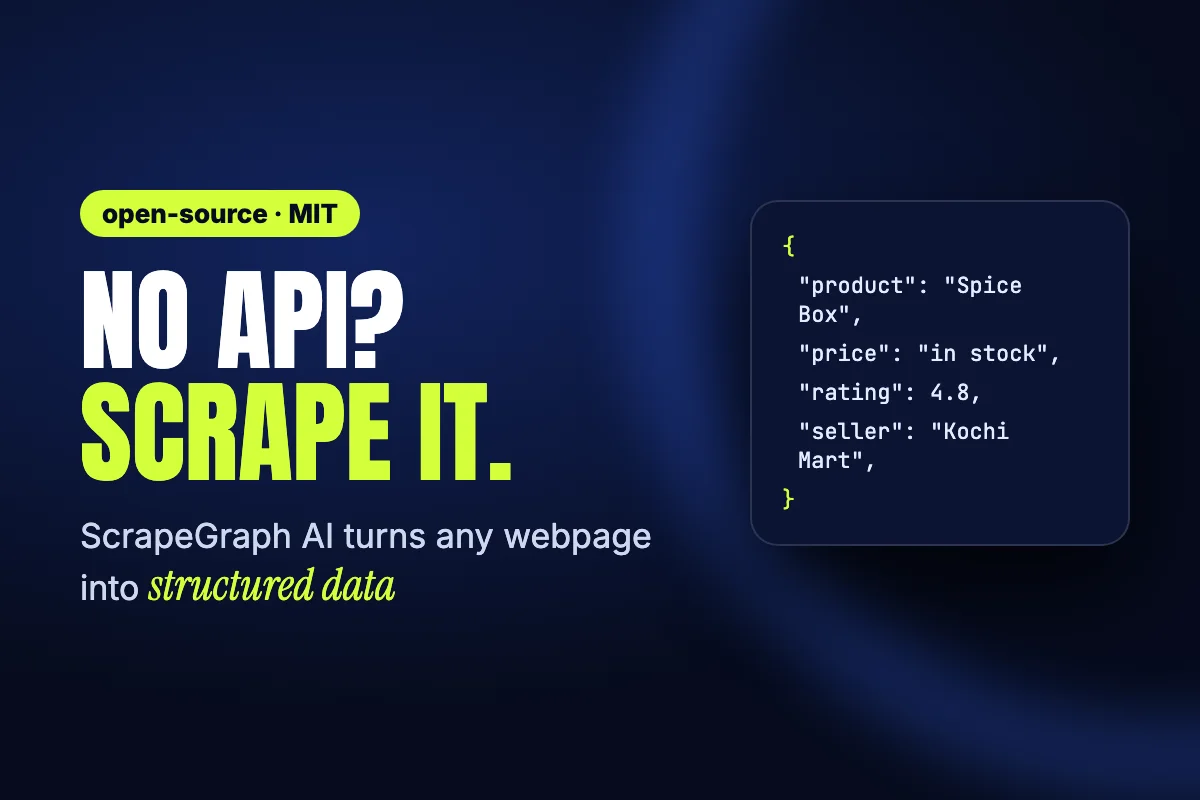
Many websites have the data you need but no API to get it. Usually the fix is a hand-written scraper: find the right HTML tags, write selectors, and repair the script every time the site's layout changes. ScrapeGraphAI works differently. You describe the information you want in plain language, and the tool returns it as structured data.
Key Takeaways
- ScrapeGraphAI is an open-source Python library under the MIT license, with a hosted API on the side.
- You give it a prompt and a source (a URL or a local file), and it returns structured data.
- It can run on local models through Ollama or on hosted models from several providers.
- Scrape only data you are allowed to use, and respect each site's terms.
What ScrapeGraphAI is
The project describes itself as a Python scraping library that uses large language models together with graph logic to build scraping pipelines. These pipelines work on websites and on local documents such as HTML, XML, JSON and Markdown. Its tagline is "You Only Scrape Once." When we checked on 30 October 2026, the GitHub repository had more than 32,000 stars.
It comes in two forms:
- The open-source library (
scrapegraphai). You install it and run it on your own machine or server. - A managed API at scrapegraphai.com, with Python and JavaScript SDKs. It takes care of page rendering, proxies and scheduled crawls for you.
How it works
You don't write selectors. Each pipeline, which the project calls a "graph", takes three things:
- A prompt, for example "List every product with its name, price and stock status."
- A source, which is a URL or a local file.
- A config that says which language model to use.
The graph fetches the page, cleans it up, asks the model to find what you asked for, and returns JSON. A small change to the page layout doesn't break the scraper, because the prompt describes what you want instead of where it sits in the HTML.
Here is the basic example from the project's README, set up to use a local model:
from scrapegraphai.graphs import SmartScraperGraph

graph_config = {
    "llm": {"model": "ollama/llama3.2", "model_tokens": 8192, "format": "json"},
    "verbose": True,
    "headless": False,
}

smart_scraper_graph = SmartScraperGraph(
    prompt="Extract a description of what the company does, founders and social media links",
    source="https://scrapegraphai.com/",
    config=graph_config,
)

print(smart_scraper_graph.run())
You install it with pip install scrapegraphai, then run playwright install so it can load real web pages.
The main pipelines
- SmartScraperGraph reads one page from a prompt and a source.
- SmartScraperMultiGraph runs one prompt across many pages.
- SearchGraph pulls data from the top search results for a query.
- ScriptCreatorGraph writes a reusable Python scraping script for a page.
- SpeechGraph pulls data from a page and turns it into an audio file.
Most graphs also come in a "multi" version that calls the model in parallel, which helps with larger jobs.
Choosing a model
The library works with hosted models from providers such as OpenAI, Groq, Azure and Gemini. It also works with local models through Ollama. Running locally keeps the page content on your own machine, which helps with private documents. A hosted model is usually faster and better at reading complex pages. To switch between them, you change one block of config.
Where it helps a business
- Price monitoring. Track competitor prices and stock levels without checking them by hand.
- Lead research. Turn public business directories into a clean list your sales team can work through.
- Market research. Collect product details, reviews or listings from many sites in one format.
- Real estate tracking. Watch new listings and price changes in the areas you care about.
- AI agents and assistants. Give an agent clean, structured web data instead of raw HTML.
Scrape responsibly
A tool that makes scraping easy doesn't make every kind of scraping acceptable. The project itself says the library is meant for data exploration and research. Before you scrape a site:
- Read the site's terms of use and check its robots.txt file.
- Use an official API instead if the site offers one.
- Keep your request rate low so you don't overload the site.
- Don't collect personal data unless you have a lawful reason to, and store only what you need.
Need data from a site with no API?
If your business needs data that has no API behind it, such as price tracking, a listings feed or an internal dashboard, Leyora can plan and build a pipeline that respects the source and fits your systems. Talk to us on WhatsApp and tell us what you need.